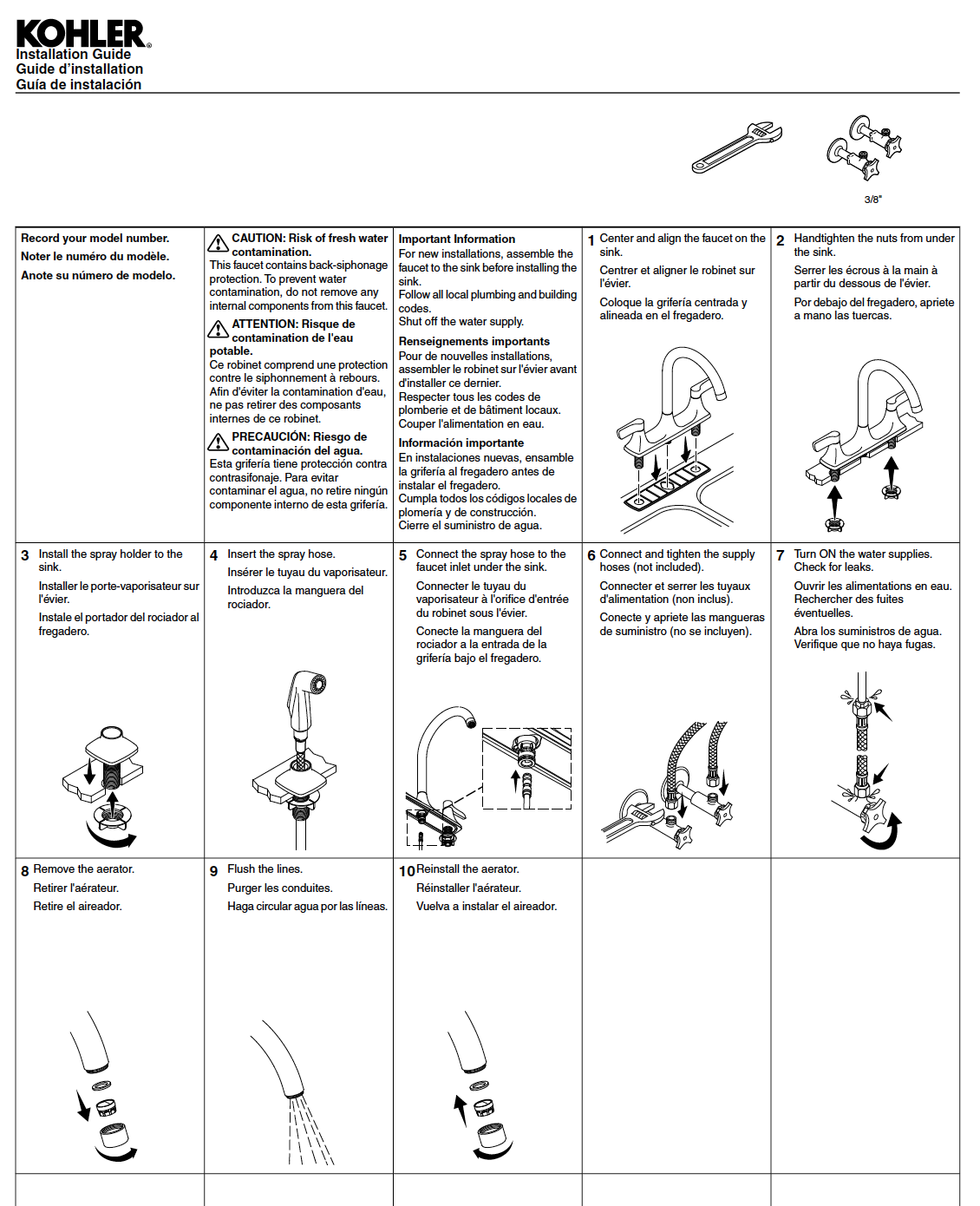
I worked on many installation instruction documents during my time at Kohler, but this document was one that I worked on almost completely on my own. This kitchen faucet was a completely new product for Kohler. It was my job to meet with the engineers to understand how the faucet is installed, collaborate with illustrators to create the art, and then write the copy for Kohler's audience.
My task
Create an installation guide for Kohler Co.'s new Maxton kitchen faucet.
My role
Technical writer.
My process
- Meet with engineers to understand the faucet, why they were releasing the product, and how to install the product.
- Establish a deadline for project completion.
- Write the first draft of installation instructions and review it with engineers.
- Collaborate with illustrators to create art for the installation instructions.
- Review the final draft with engineers and a copy editor.
- Send the final instructions to translators for language translation.
- Publish the final installation instructions for printing and packaging with the faucet.
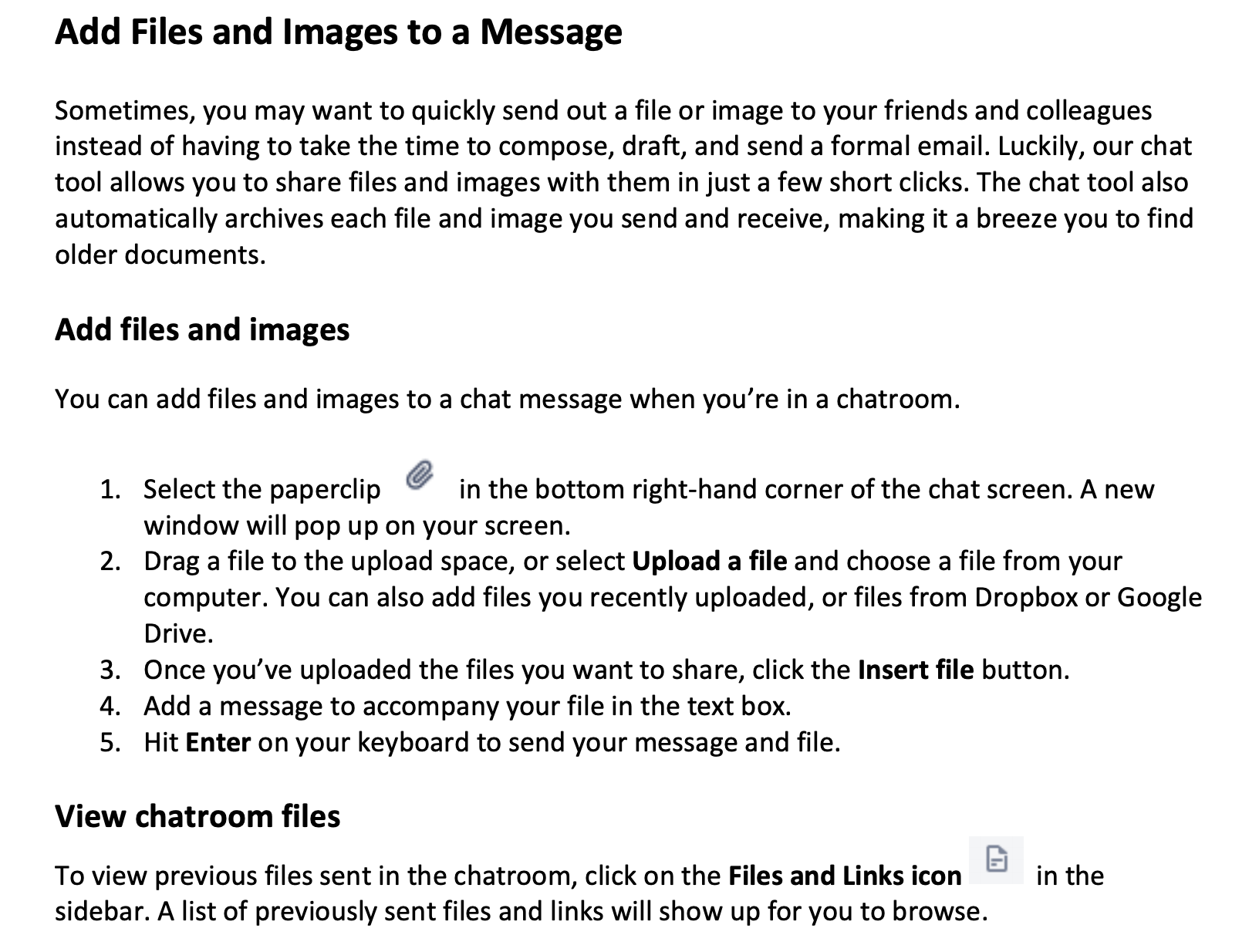
For a writing internship that I applied for, I was asked to write a short how-to document on adding files and images to a chat message. I was given five screenshots that showed me how to complete the task, and then I wrote the documentation keeping the company's voice, tone, and style in mind.
The challenge
Write sample how-to documentation based on screenshots provided by a hiring manager. I had to make sure the writing and style of the document matched the company's writing and style.
My task
Write how-to documentation on how to attach images and files to a chat message based on only four screenshots.
My process
- Review the screenshots provided to understand the file attachment system in the chat software.
- Draft numbered instructions on how to attach images and files based on the screenshots.
- Research the company's voice, tone, and style in order to write the most appropriate documentation.
- Finalize the how-to documentation based on the company's voice, tone, and style.
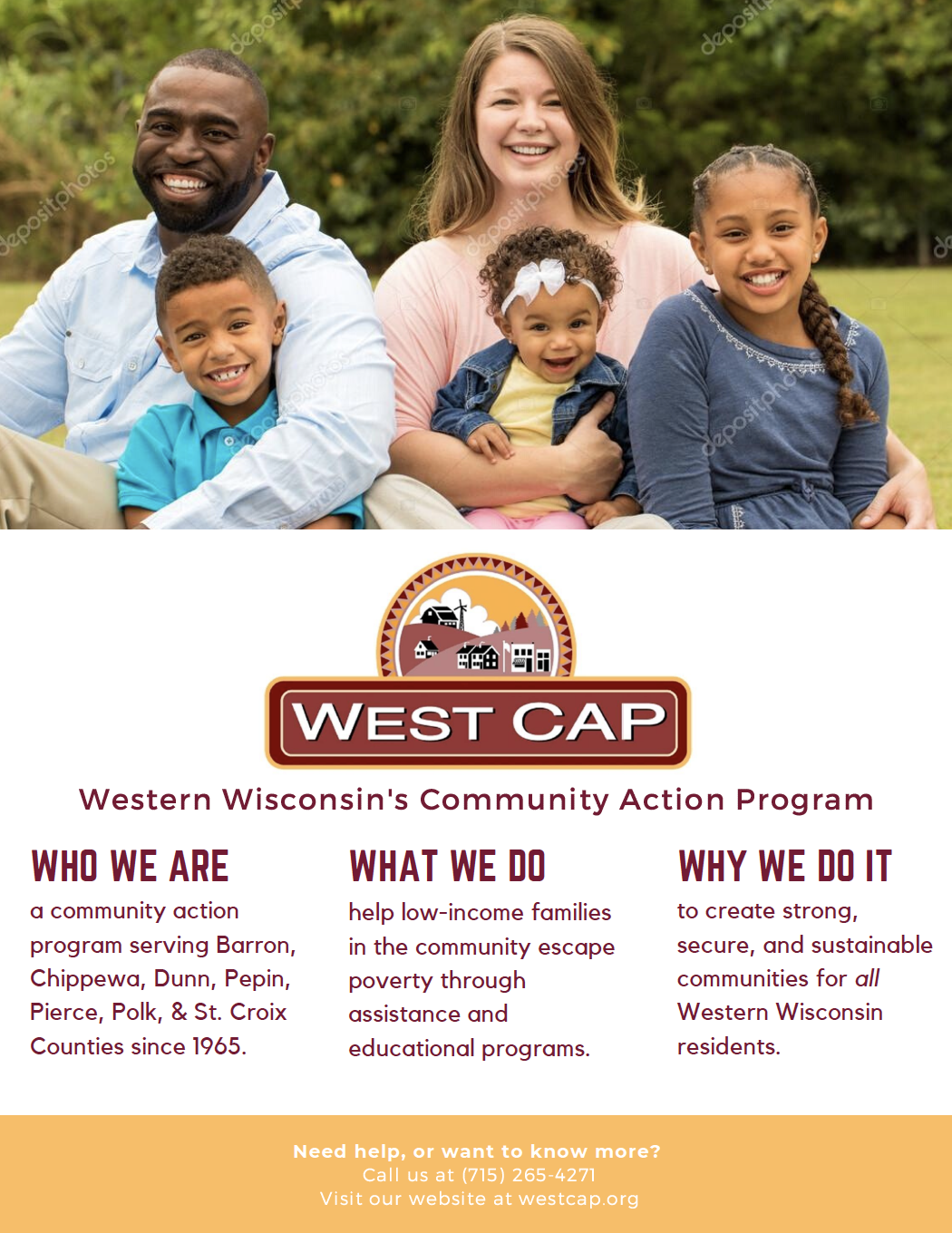
WestCAP is a community action program based out of western Wisconsin. They needed help revamping their physical leave-behind brochures and pamphlets, so myself and two other classmates created a content strategy for them to follow. We conducted stakeholder interviews, created personas, and researched nonprofit marketing tactics to eventually write and design a new and improved poster that connects with the community.
The challenge
West CAP, a western-Wisconsin community action program, had troubles connecting with members of the community. They wanted the community to know that their organization benefits everyone in western Wisconsin, not just those they serve.
My task
Develop a content strategy and write and design a leave behind for West CAP, a western-Wisconsin community action program.
My role
Project contributor.
My process
- Meet and interview the West CAP team to understand their organization and what their communication problem is.
- Audit West CAP's current leave behinds.
- Research nonprofit marketing materials for insight on how to create the best leave behind possible.
- Create personas to match West CAP's intended audience.
- Develop a distribution strategy based on our research on nonprofit marketing.
- Write and design a new poster leave behind for West CAP based on their communication wants and our personas.
- Publish a strategy report for West CAP to read, review, and implement.
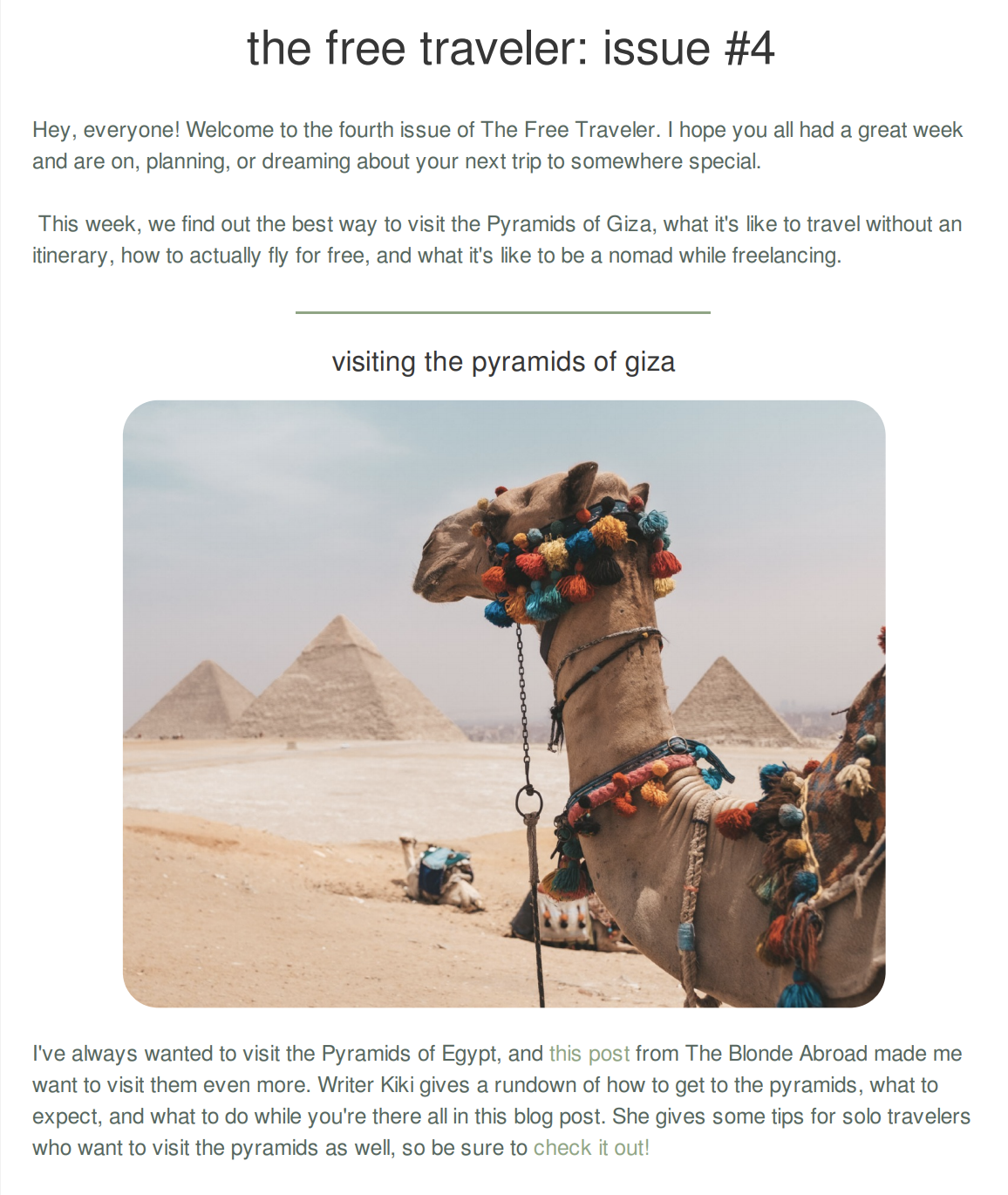
In my Writing for the Internet class, I created a newsletter for solo women travelers. Each week, I curated 4-5 posts to share with my audience and wrote about why I liked them and why they were relevant to my readers.
My task
Create and curate my own newsletter geared towards a niche audience: solo women travelers.
My role
Newsletter creator and curator.
My process
- Research the current state of the newsletter genre to understand best curation and newsletter production habits.
- Find 10-20 travel and solo travel sources to pull content from weekly.
- Curate pieces to include in the weekly newsletter and write descriptions of the pieces, relating them to my audience.
- Use Sender.com to design and send the newsletter to my audience.
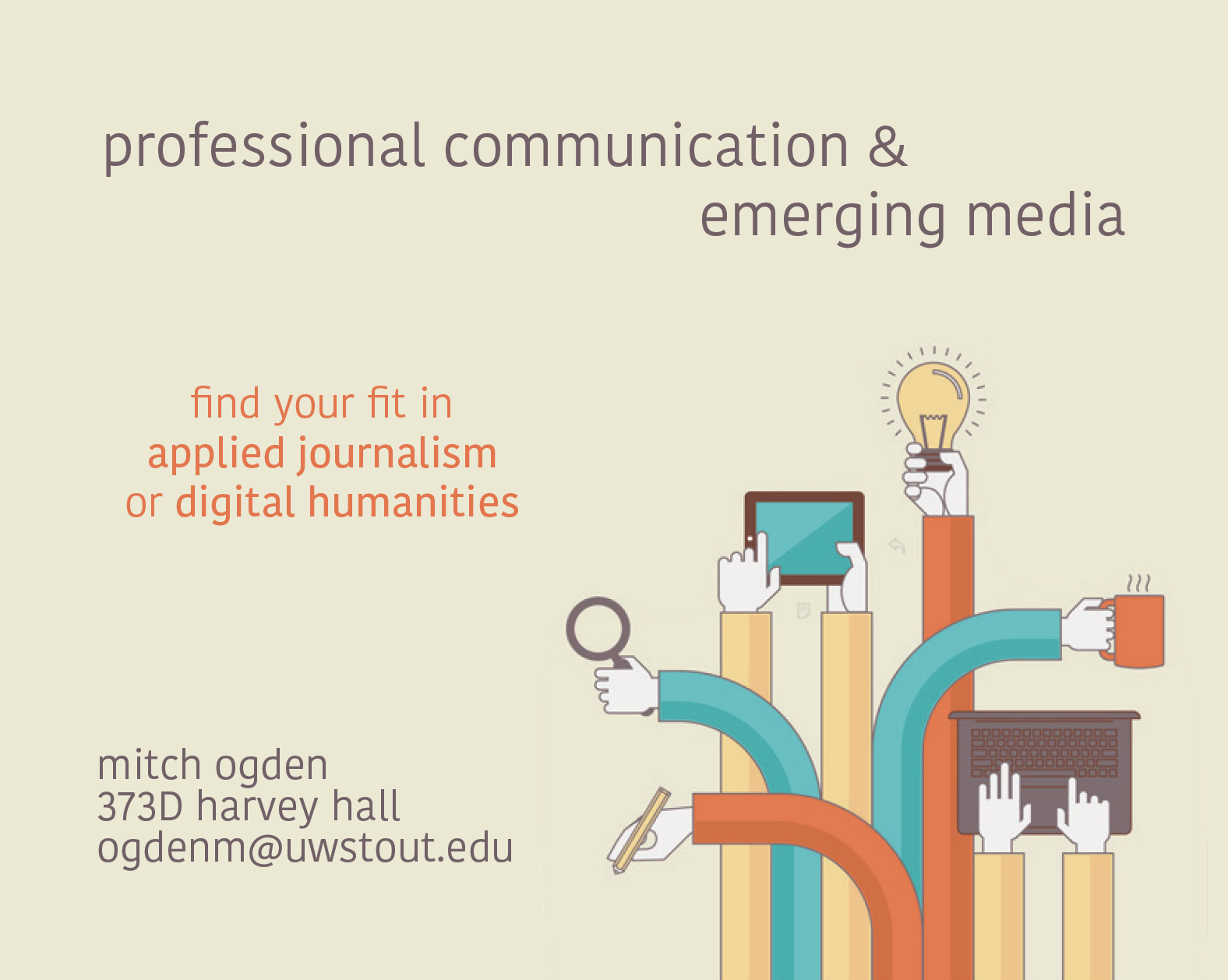
This is a postcard that I made in my Document Design class using InDesign. The goal was to create a promotional piece for the academic program that I'm in. I wanted the postcard to have a modern and calming feeling, which is why I chose the muted, complementary colors and the lowercase text.
View the final product.
I collected and analyzed TV binge-watching data from Statista and then created this infographic in Canva to represent the data in a clear, informative, and engaging way.
View the full infographic.
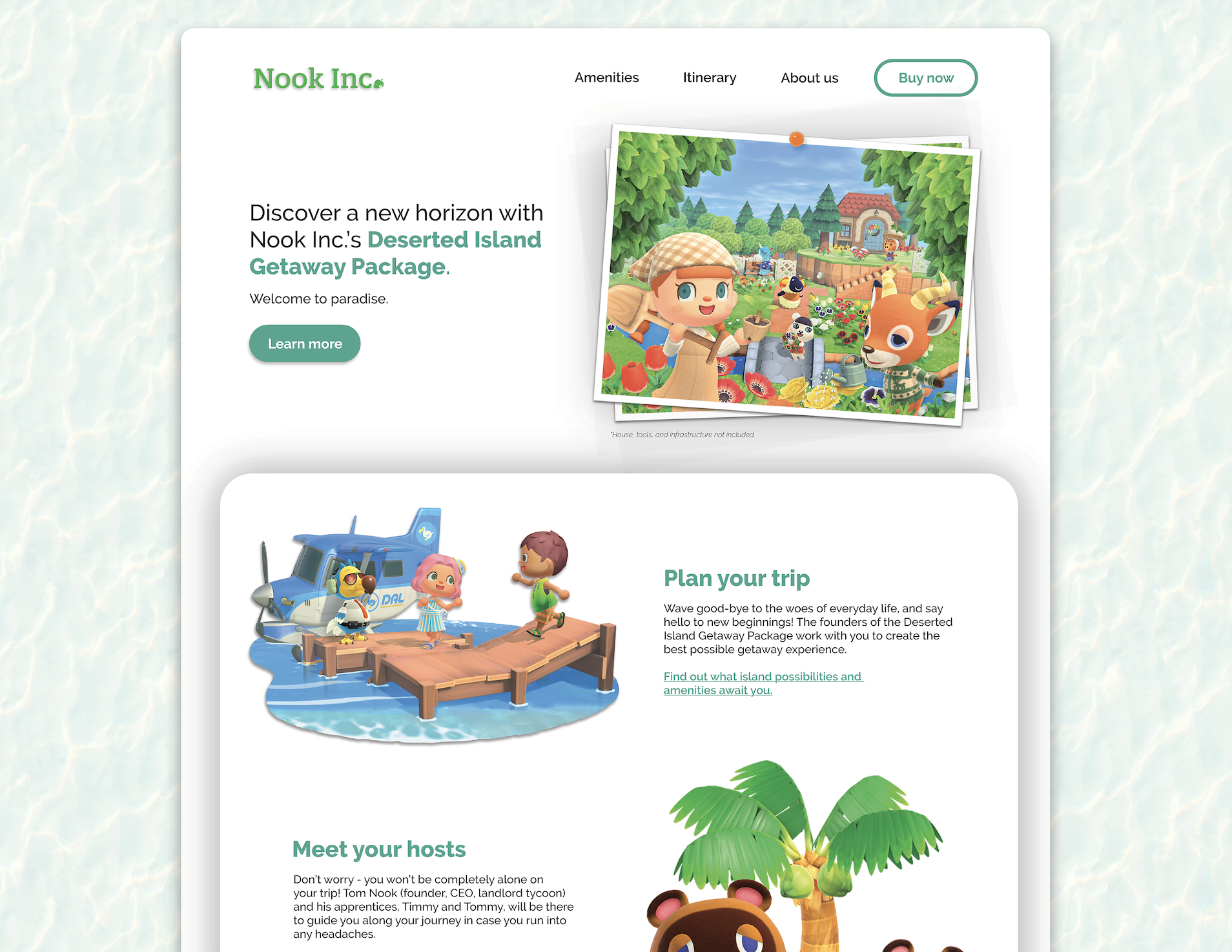
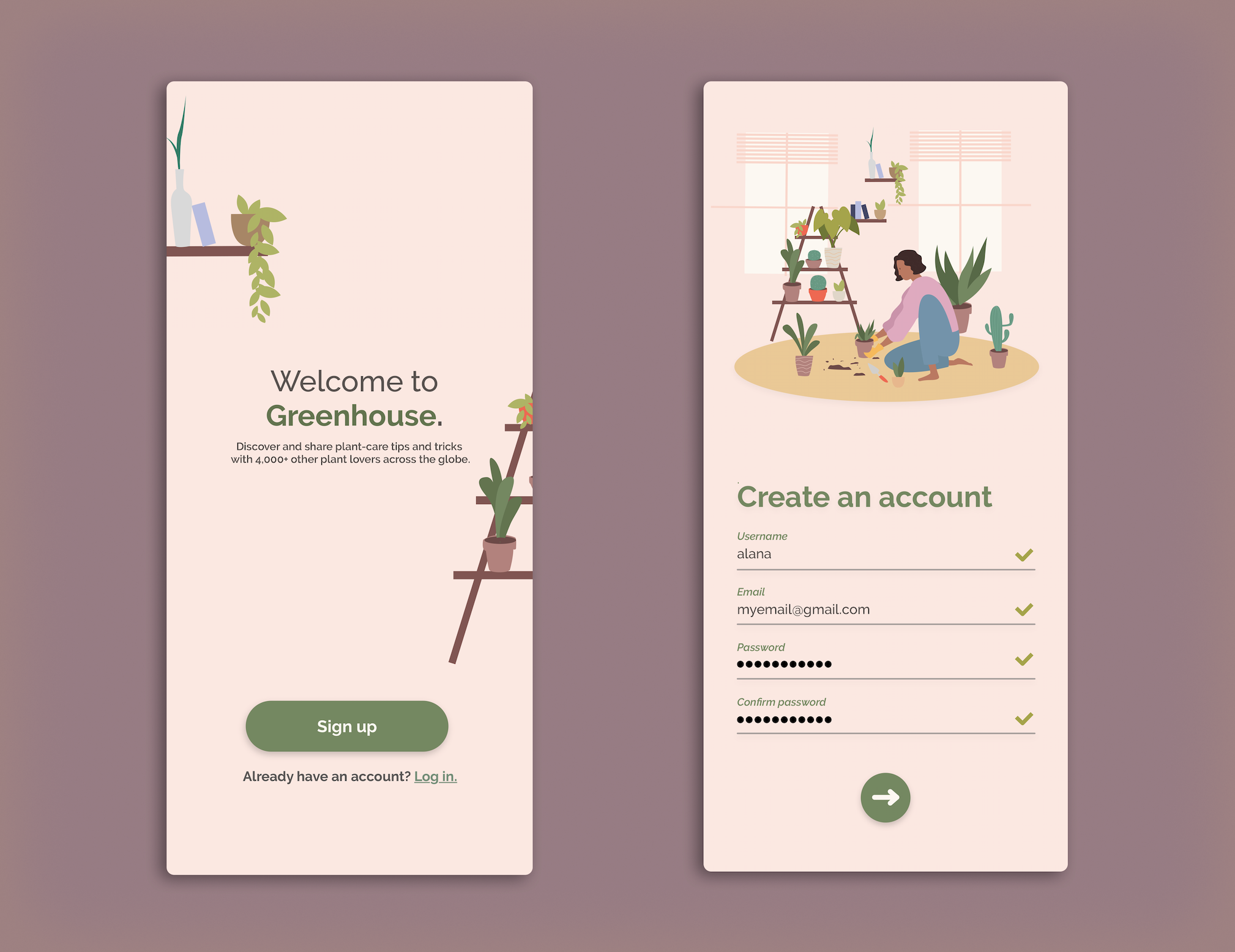
I designed these interfaces in my own free time to learn more about Adobe XD and creating seamless UI. All the copy in the interfaces was written by me. The images and illustrations in the UI are not mine.
View the final products.